UI Kits
Android Chat UI Kit. Fast, Native, Production-Ready
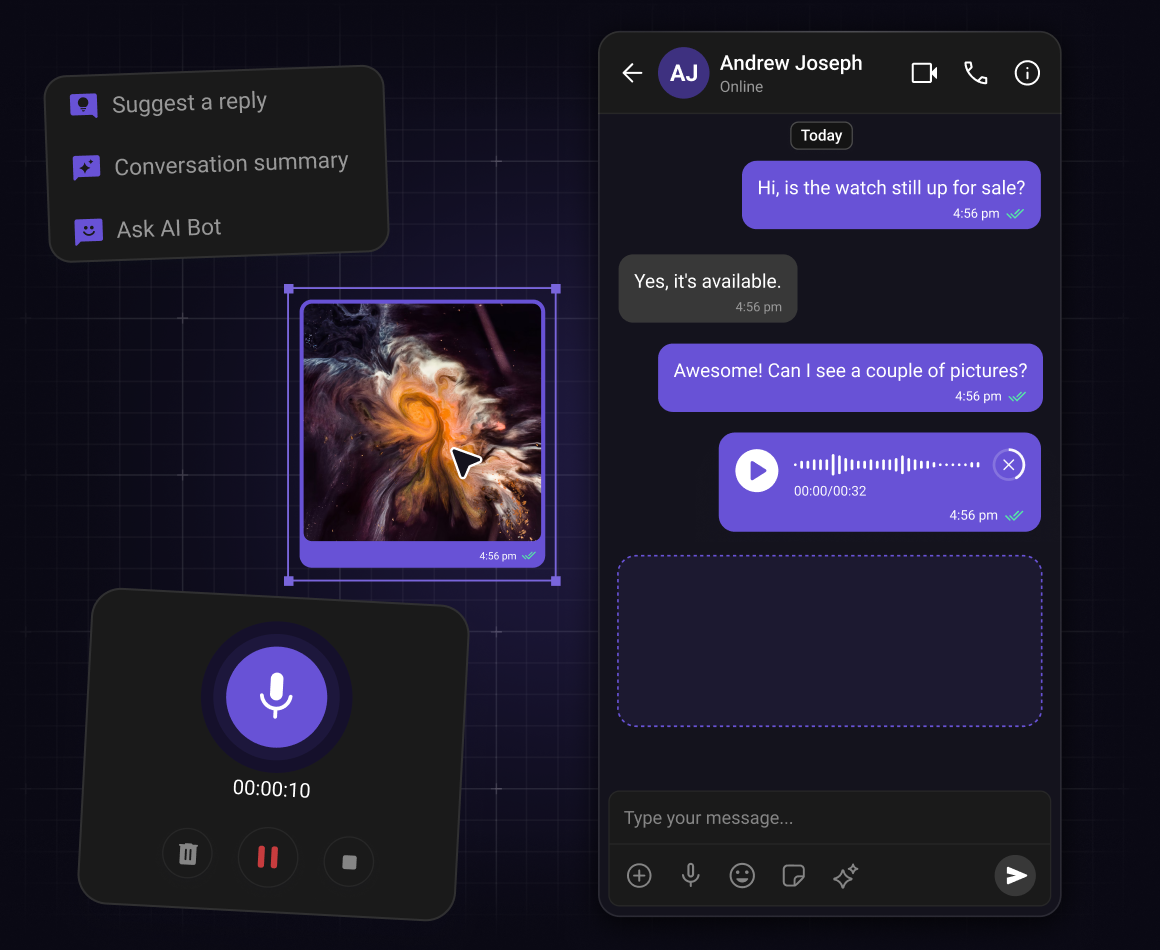


Choose Your UI Toolkit
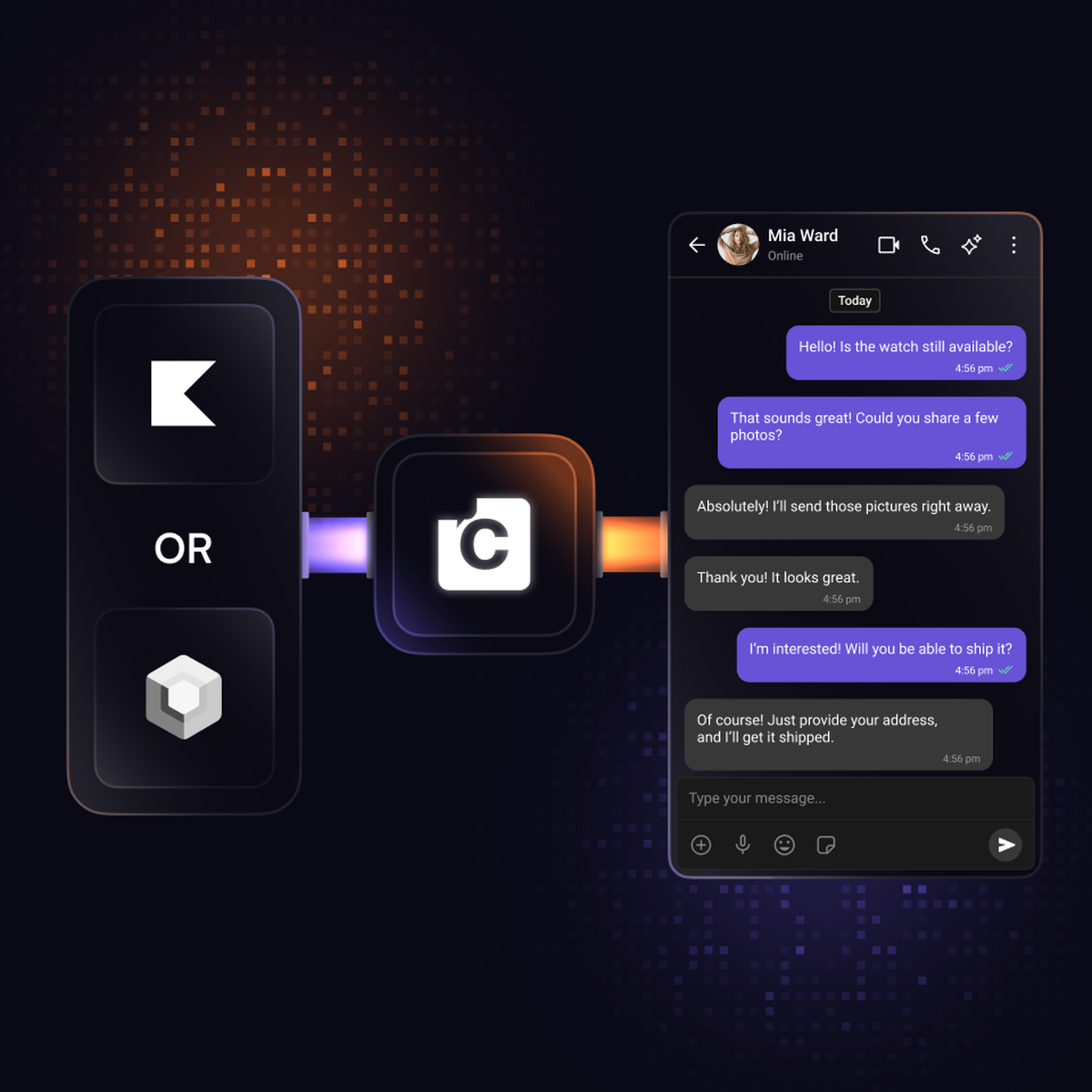
Build your Android chat in minutes choosing between Kotlin (XML Views) or Jetpack Compose
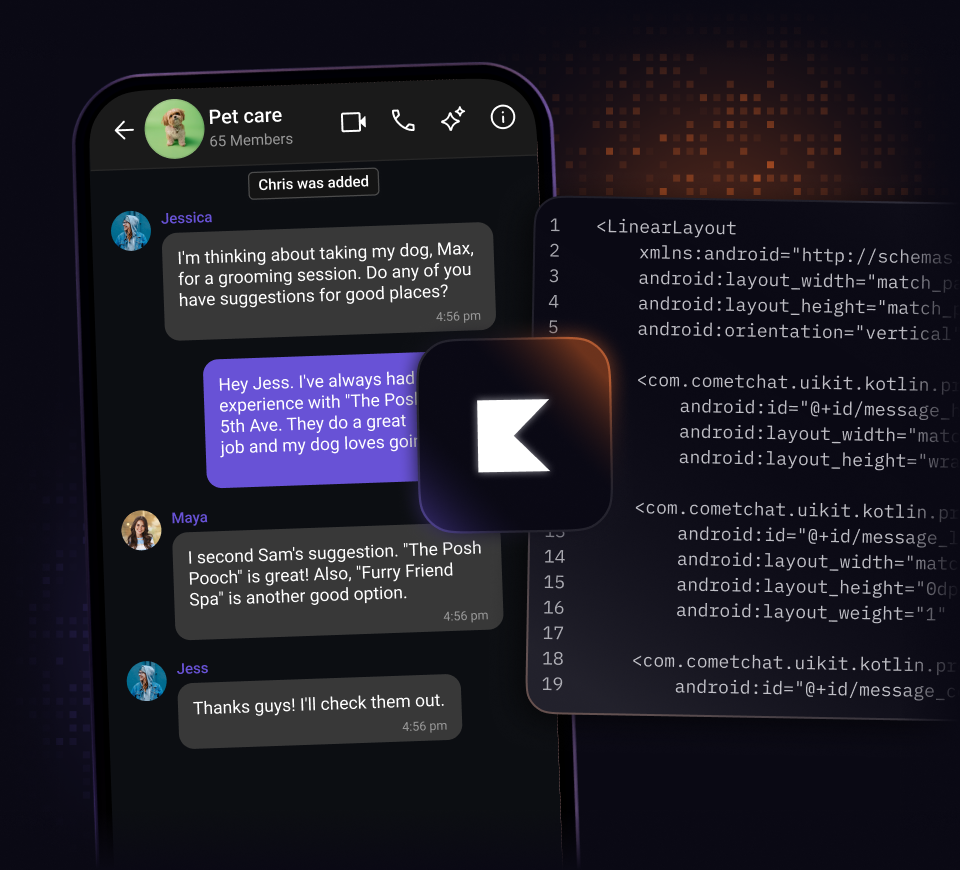
Kotlin (XML Views)
Integrate chat using XML layouts and ViewBinding. Familiar structure, prebuilt components, and straightforward setup for your Android project.
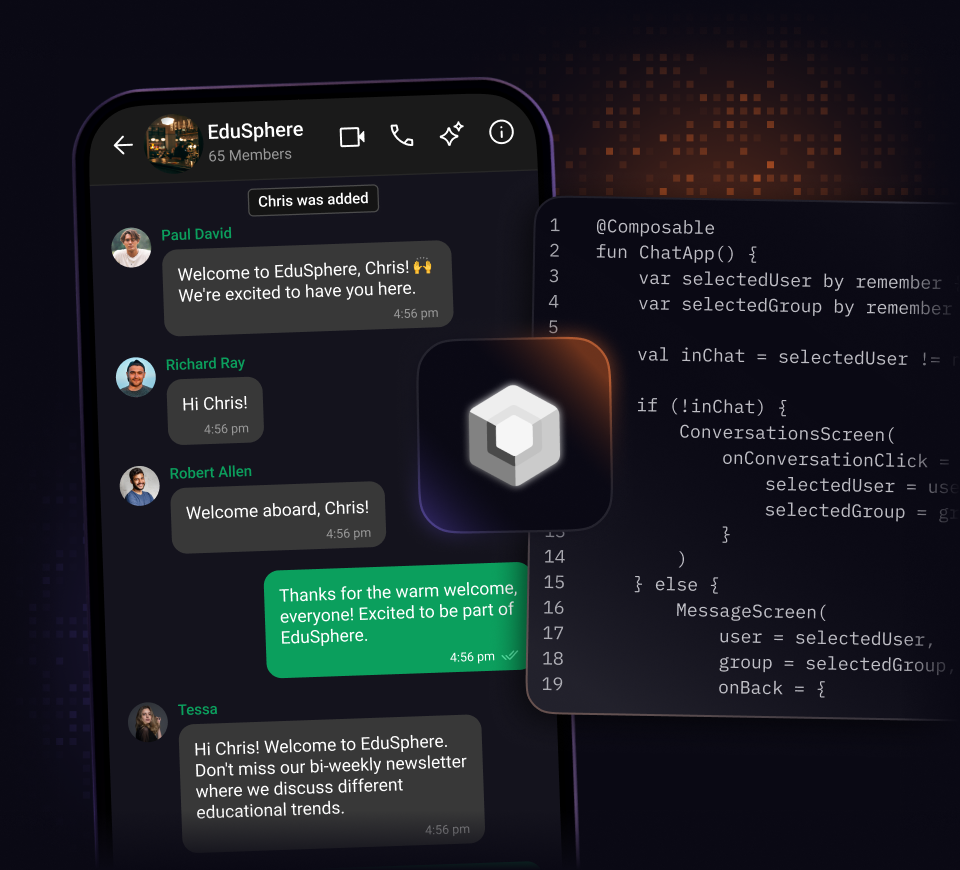
Jetpack Compose
Integrate chat using native Composables and Material 3. Declarative structure, prebuilt components, and straightforward setup for your Android project.
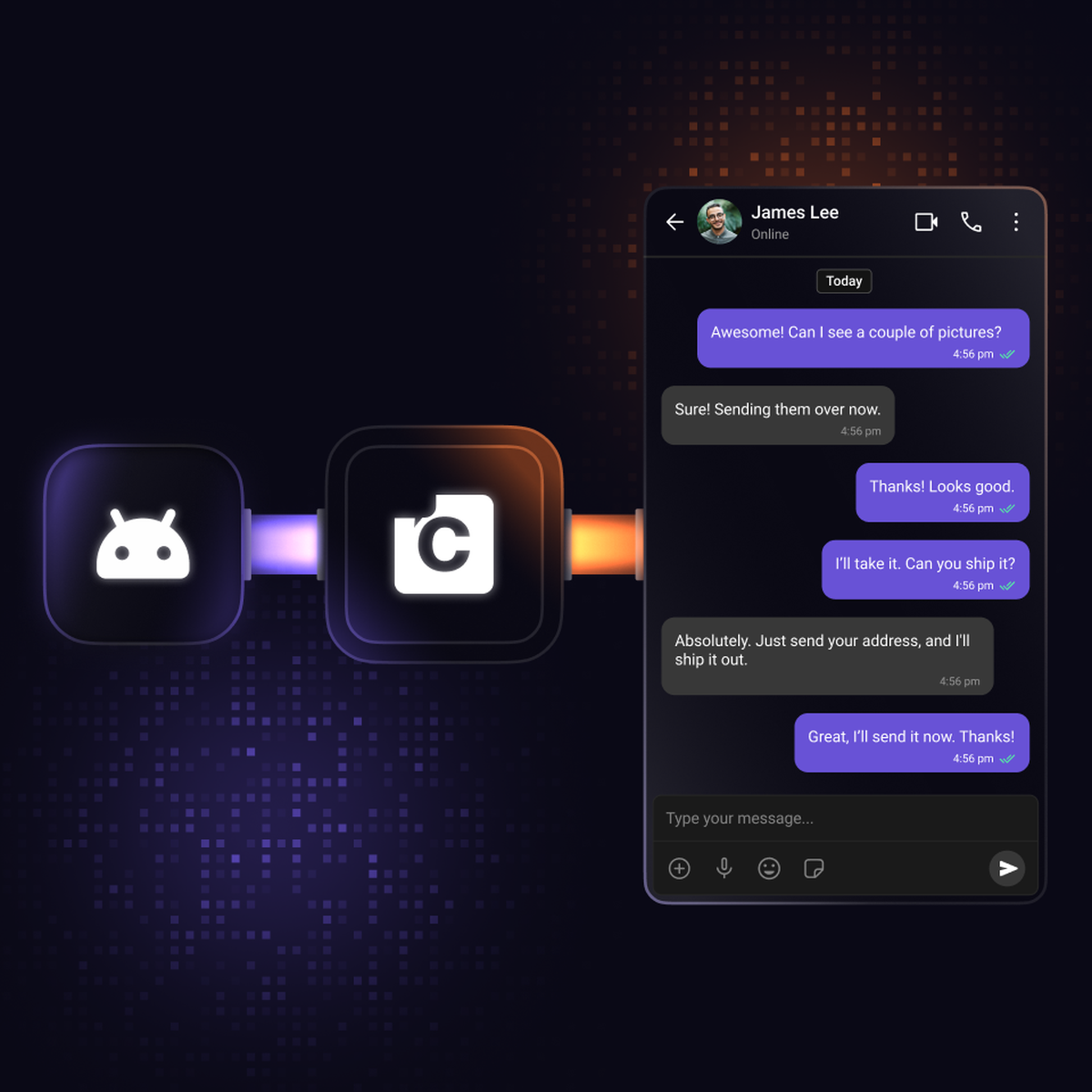
Step 1: Install Android project
Add the CometChat Android UI Kit to your project
-
Open Android Studio, start a new project with Empty Activity, and set the minimum API level to 24 or higher.
-
Add the CometChat Maven repository to your Gradle configuration.
-
Enable AndroidX support and add the CometChat dependency to your project.
Step 2: Choose your UI toolkit
Pick between Kotlin (XML Views) or Jetpack Compose
-
Choose between two unique UI toolkits: Kotlin (XML Views) or Jetpack Compose.
-
Kotlin (XML Views) follows the guide for step-by-step integration using XML layouts and ViewBinding, while Jetpack Compose follows the guide for step-by-step integration using Composables.
-
The remaining integration steps cover initialization, login, theming, and rendering components and differ based on the UI toolkit of your choice.
Step 3: Build your chat experience
Customize and launch your in-app chat
-
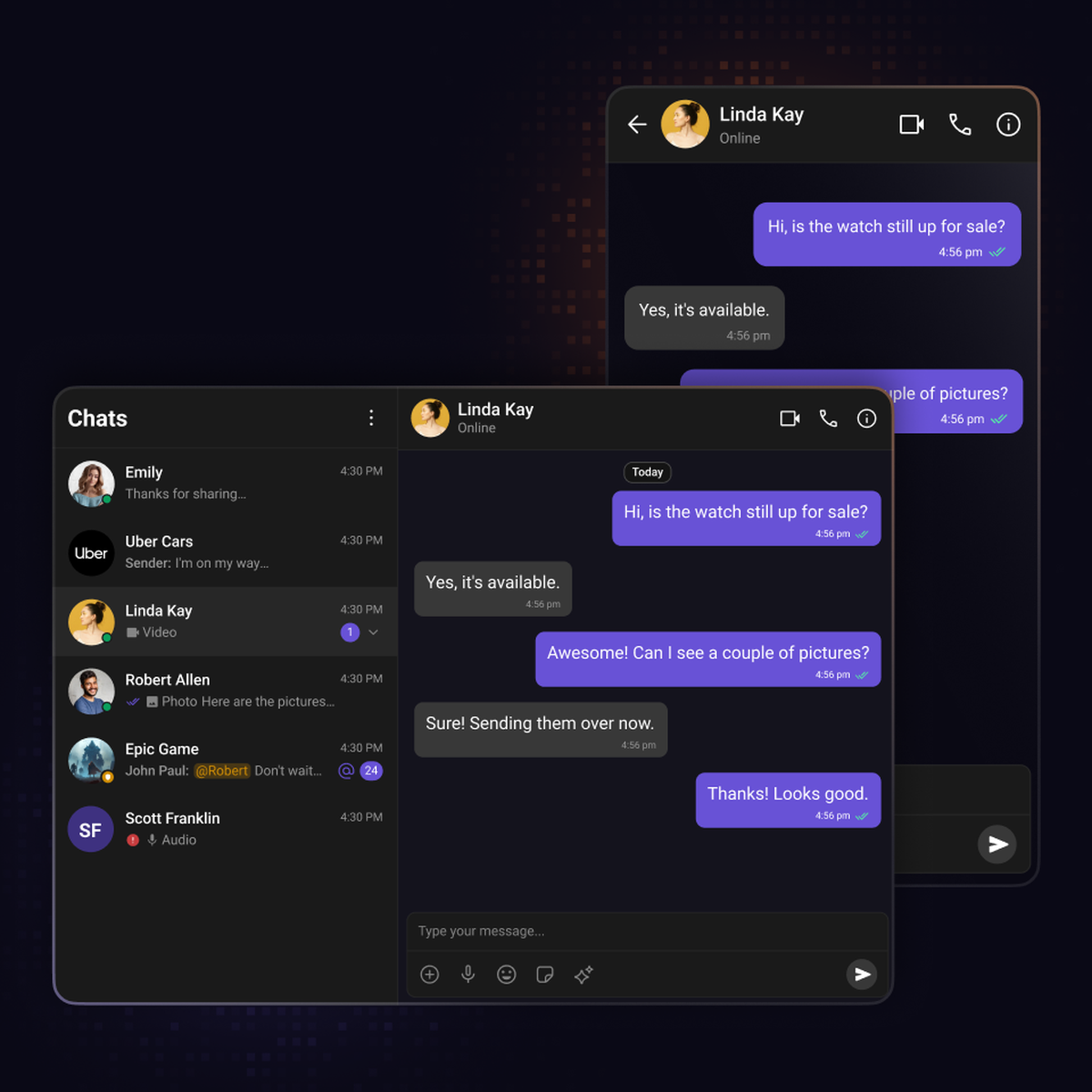
Browse all prebuilt UI components and assemble the chat experience your users need.
-
Apply theming to customize colors, fonts, and styles to match your app.
-
Explore core features included out of the box, from messaging to real-time updates.
Resources
Docs, tutorials, sample apps and more
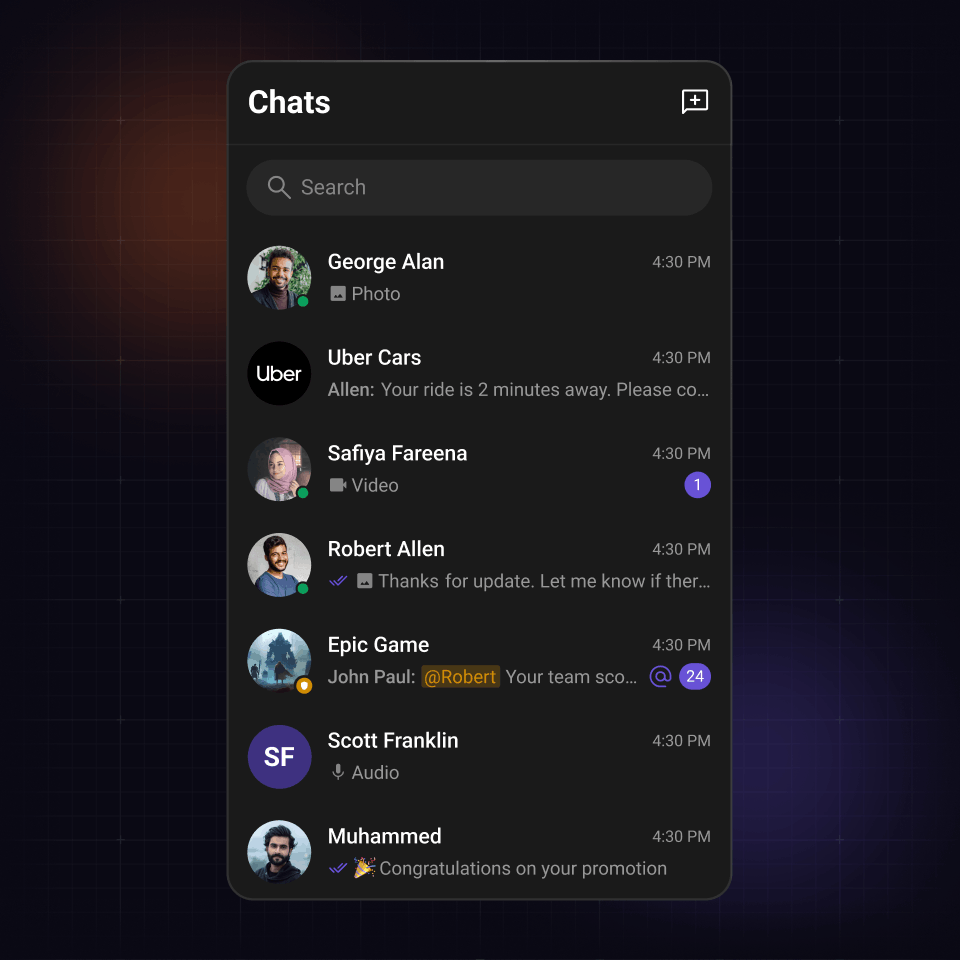
Conversations component
The command center of your chat experience
Display recent chats with rich context and instant updates.
-
Real-time unread counts, message previews, timestamps and read receipts
-
Smart filtering by type, tags, or custom criteria
-
Responsive design works across all screens
Messages component
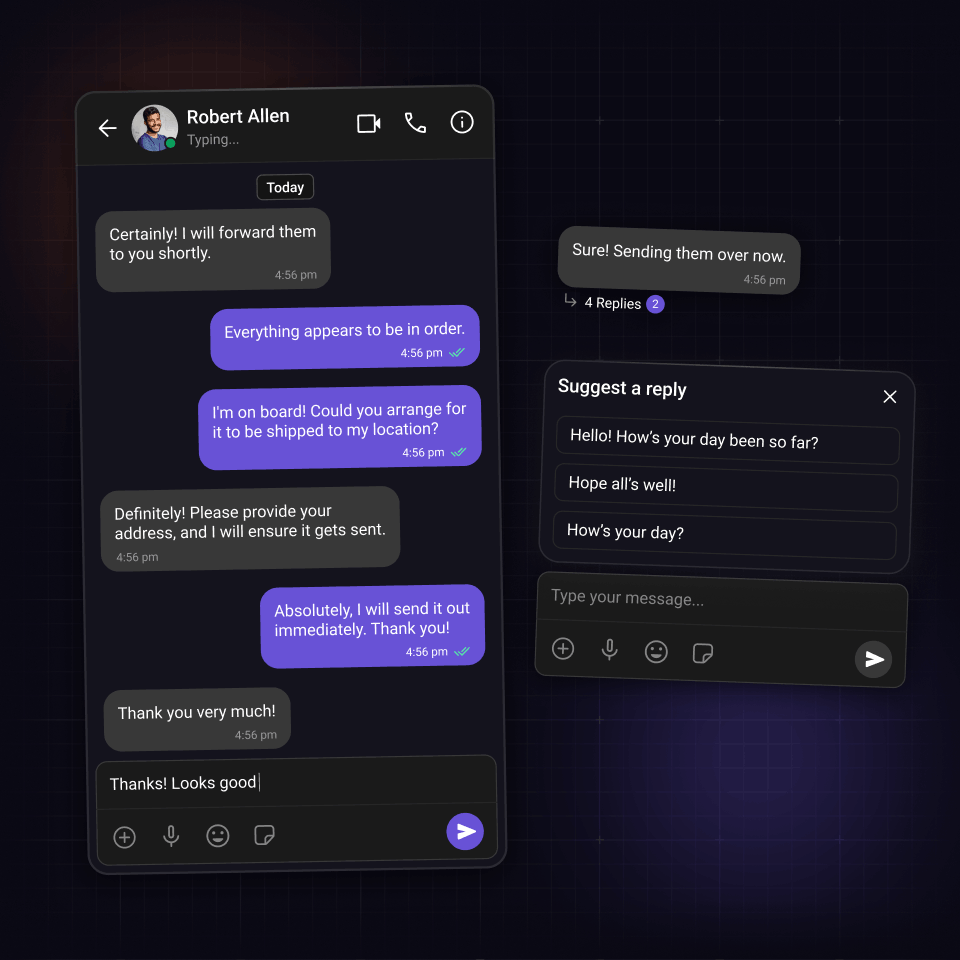
Powerful and responsive chat interface
Enterprise-grade messaging that feels personal. Full-featured yet incredibly simple to implement.
-
Supports message threading with reply counts
-
Real-time typing and presence indicators
-
Customizable chat screen layout and styling
Users component
Help users find and start conversations instantly
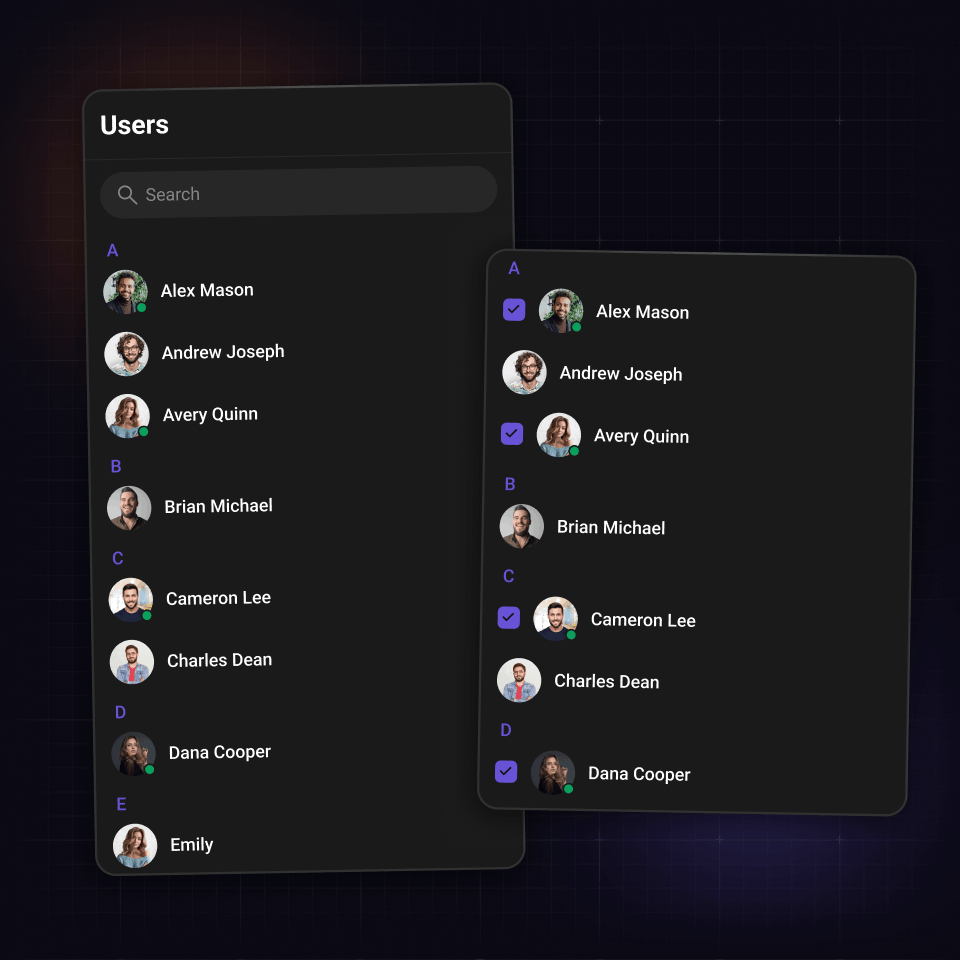
The Users component provides an accessible list of all available users within your chat application.
-
Search and filter users dynamically
-
Presence indicators and profile avatars for visibility
-
Customize the list to show only friends or exclude certain users from the list
Chat bubble
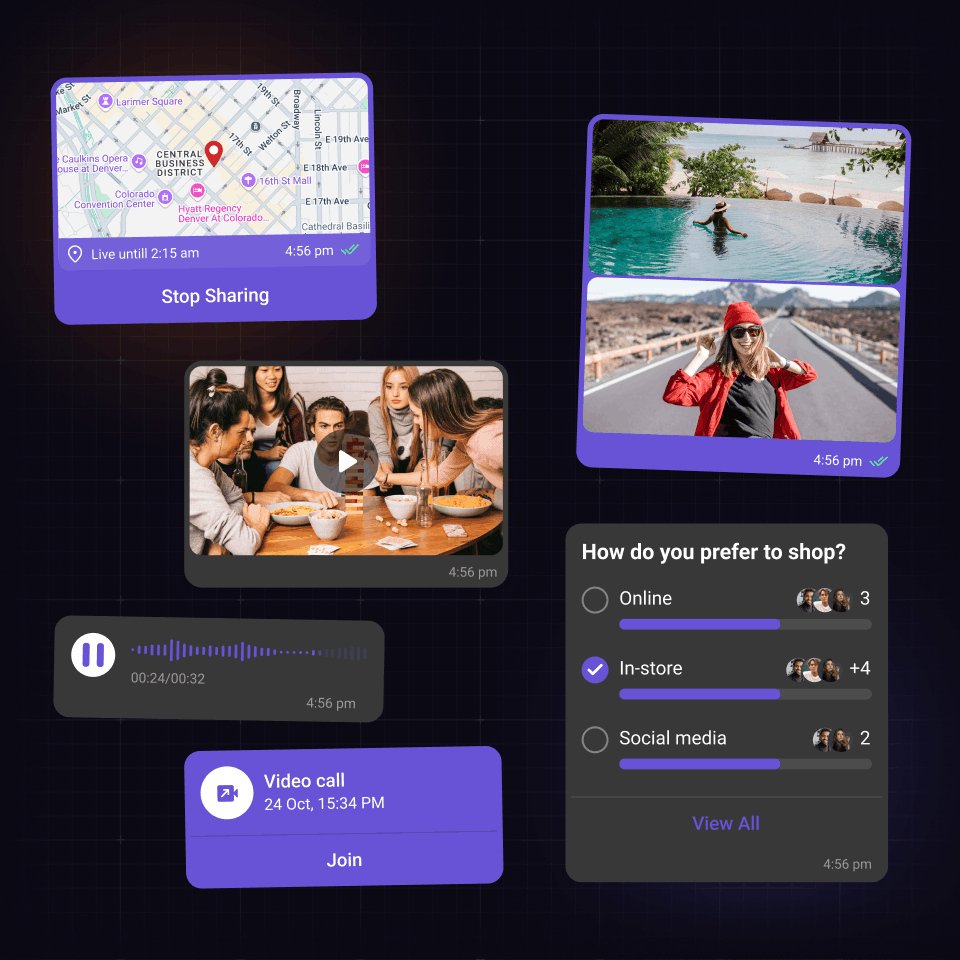
Responsive message bubbles
Responsive message containers that handle any content type elegantly.
-
Support for text, videos, GIFs, stickers, and voice messages
-
Custom message templates for unsupported content and media formats
-
Automatic responsive sizing and built-in interaction states
UI Kit Components
Android chat library that users love
Open source UI Kits with the chat functions and features your audience loves.

Reactions

Threaded messages

Message composer

Presence Indicators

Read Receipts

Message Information

Unread Message Counts

Audio Recorder

Avatars
Integration Methods
Start with any integration method and scale to others as your needs evolve.
Widget Builder
A no-code chat builder for any platform, built for high-impact use cases that need real chat fast and flexible.

UI Kit Builder
A low-code chat builder that is fully customizable, easy to integrate, and scales with your product.
Chat SDKs
Open source SDKs and APIs for all popular frameworks to build bespoke chat experiences.
Let's map out how CometChat works for you.
30 minutes. Real answers. A plan you can actually act on.
Pick a time that works, talk to someone who knows the product.
Your use case shapes the call - no guessing, no repeating yourself.
No commitment. Just a straight conversation about how this fits - and if it doesn't, we'll say so.
Trusted by teams building conversations at scale.